 Google Map Leads
Guide
Google Maps lead finder: turn map searches into a business lead list
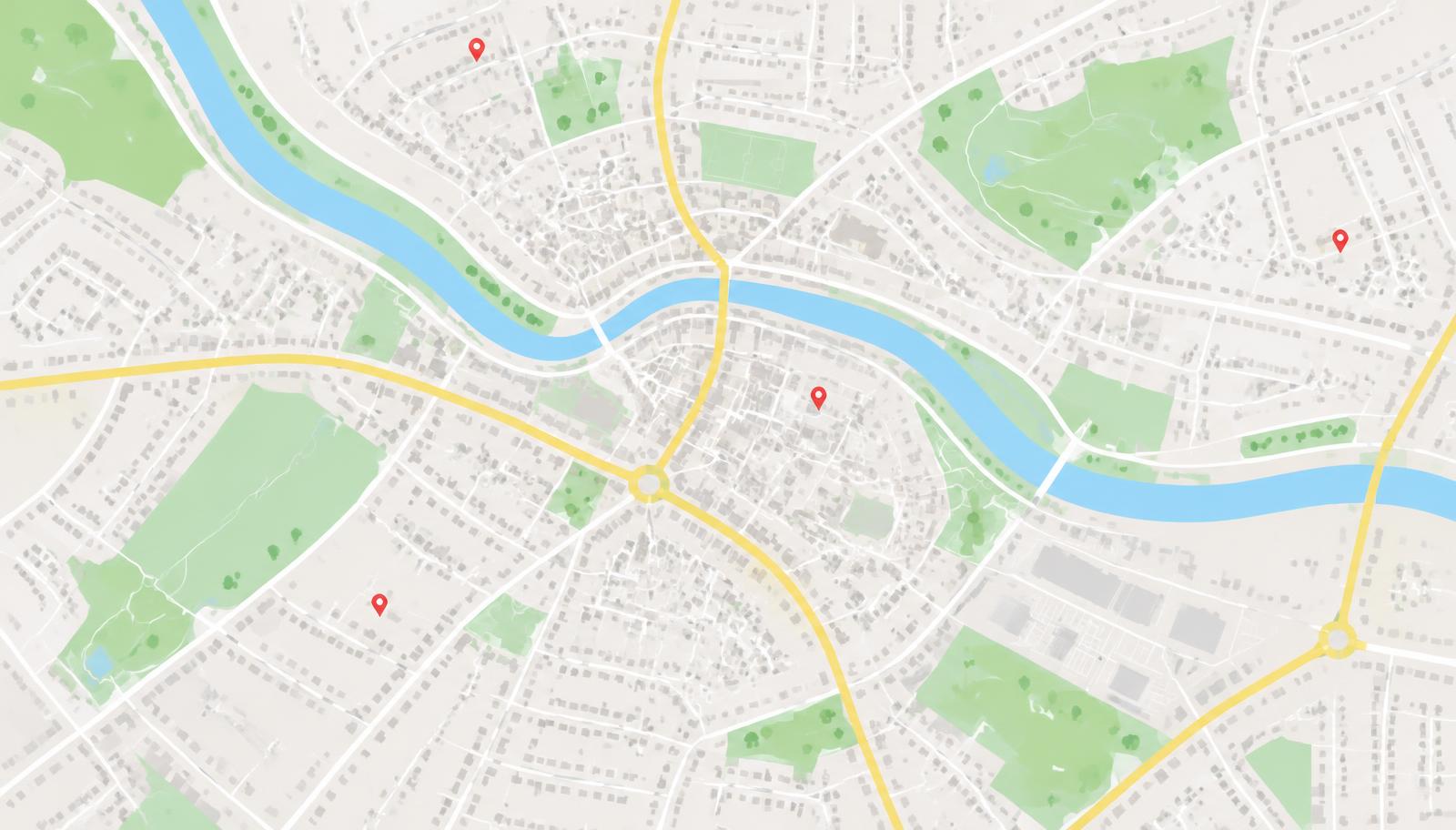
A Google Maps lead finder turns the world's biggest free business directory into a spreadsheet you can work from. Google Map Leads is a Chrome extension that does it in your own browser: you search, it opens the listings, and you end up with names, phone numbers, websites and addresses in CSV or Excel.
What a Google Maps lead finder actually does
Google Maps already lists almost every local business — plumbers, roofers, dentists, cafés, garages. The problem is that one search only shows a limited slice of them, and copying details out by hand takes minutes per business. A lead finder does the copying: it works through the listings for an area, pulls the public details from each one, and writes them into rows you can sort, filter and send to a CRM.
Google Map Leads reads the public Maps page in your own browser. There's no account to sign up to and no Google API key to set up — the extension works on the page you're already looking at.
How to build a list, step by step
01Search like you normally would
Open Google Maps and search for what you sell to — "roofers in Leeds", "plumbers in Manchester", "dentists in Austin".
02Choose how far to scan
One map area, a built-in city list for the UK or 44 other countries, or your own list of towns in any country.
03Set the grid per town
Small (1 square), Medium (3×3) or Large (5×5). A bigger grid covers a town square by square, past the ~120 results one search returns.
04Pick your filters
Keep every business, only ones with a website, or only ones without. Keep all phone numbers, or mobile numbers only.
05Start the scan
The extension opens each listing in turn, collects the details, retries slow listings and skips ones that won't load.
06Review, then export
Open the results table to search and remove rows, then export to CSV or Excel.
Cover a whole area, not just one search
This is where most lead lists fall short. A single Maps search stops early, so a town scan that only runs once misses businesses. Google Map Leads repeats the search across a grid of squares over the town — Small (1 square), Medium (3×3) or Large (5×5) — and you can run that grid over a list of towns one after another: the top 100 world cities, major cities in 45 countries, every UK city and town, or a list you type in yourself for anywhere in the world.
Filter while you scan, not after
Website
Keep every business, only ones with a website, or only ones without. Every export also carries a website status column, so you can sort a mixed list instead of deleting rows by hand.
Phone numbers
Keep all numbers, or mobile numbers only — recognised in the UK, Ireland, most of Europe, Australia, New Zealand, India, the UAE, South Africa and Brazil. Handy when you're texting or messaging rather than calling a landline.
Duplicates and dead ends
Repeats are skipped and leads persist between searches, so a second run adds to your list rather than starting over. A listing that won't open is retried once and then skipped, so one bad page doesn't stop the scan.
What lands in your spreadsheet
Every export has one row per business, in CSV or Excel, with these columns:
| Column | What's in it |
|---|---|
| Name | The business name as it appears on Maps. |
| Website | The listing's website, left blank when the business has none. |
| Website status | Has website or no website, so you can sort the sheet straight away. |
| Phone | The listed phone number. |
| Mobile | The number again when it looks like a mobile — useful for SMS and WhatsApp. |
| Address | Street, town and postcode. |
| Country | Which country the business is in, so you can split the sheet by market. |
| Region | The state, county, province or region inside that country. |
| Category | The business type Maps files it under. |
| Rating and reviews | How many reviews and what score it has. |
| Maps link | A direct link back to the listing. |
Free and paid
The free plan scans up to 25 leads and exports them as CSV from the current map area — enough to check the details are clean before you rely on it. Pro removes the cap, adds Excel export and every town-list scan mode, and costs $25 a month or $199 a year, payable in your local currency.
Before you contact anyone
The extension collects publicly listed business details. How you use them is your responsibility — check the marketing rules where you and your customers are, like GDPR and PECR in the UK or CAN-SPAM in the US, before calling, texting or emailing businesses from a list.
Still deciding? Read the comparison of Google Maps scrapers, or check the FAQ.